
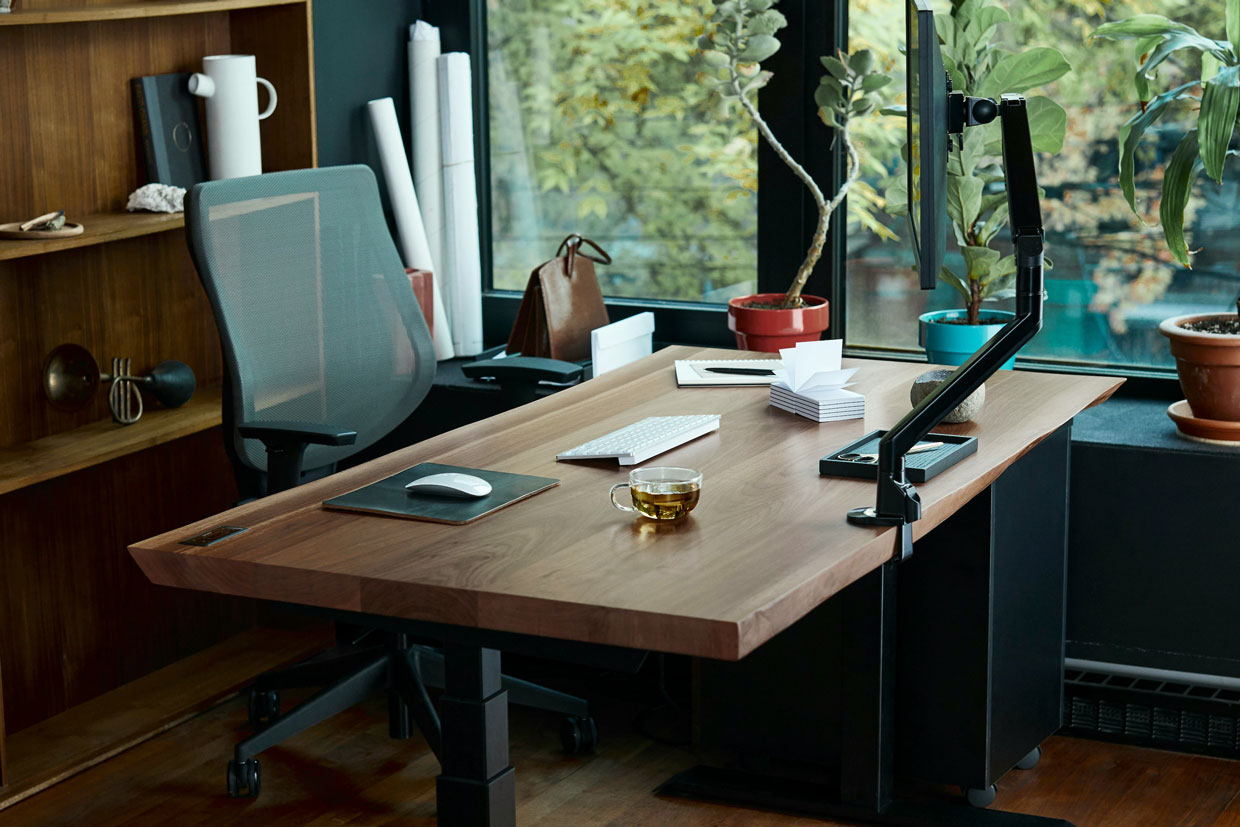
For many of us, the “home office” started as a temporary laptop-on-the-kitchen-island situation. Six years later, that “temporary” setup has become a permanent ergonomic crime scene. If you’ve noticed a mystery ache in your shoulder or a burning sensation between your shoulder blades by the afternoon, your furniture is likely winning the war against your physiology.
At the Institute for Sports Physiotherapy, we remind patients that an ergonomic setup isn’t about buying the most expensive chair—it’s about basic geometry. We train all our patients the importance of quality over quantity, stability over power, and precision over position. Here is how to audit your home office for long-term spinal health.
1. The Monitor: The “Eye Level” Rule
Your head weighs about as much as a bowling ball (10–12 lbs). For every inch your head tilts forward to look down at a laptop screen, you add an extra 10 lbs of pressure to your neck muscles.
- The Fix: Your eyes should hit the middle third of your screen when looking straight ahead. If you use a laptop, buy a riser and an external keyboard, it is significantly cheaper to purchase these tools vs fixing the pain caused by not using them.
2. The Elbows: The 90-Degree Rule
If your desk is too high, your shoulders will “shrug” toward your ears all day. If it’s too low, you’ll lean forward and round your upper back.
- The Fix: Adjust your chair height so that when your hands are on the keyboard, your elbows are tucked by your side at a 90-degree angle, and your upper arm is vertical. Your wrists should be neutral, not cocked up or down. Think of your arms as “pendulums” hanging effortlessly, rather than “stilts” propping you up.
3. The Foundation: Feet and Hips
Stability starts at the floor. If your feet are dangling or tucked under your chair, your pelvis will tilt, causing your lower back to collapse into a “C” shape.
- The Fix: Your feet must be flat on the floor (or a footrest). Your knees, hips and ankle should all be at roughly 90-degree angles. This provides the stability your spine needs to stay upright without your back muscles having to pull a double shift.
4. Movement over Posture
Even the $1,500 dollar chair and the most “perfect” ergonomic setup becomes a cage if you stay in it for eight hours. The human body is designed for movement and static load is the enemy of joint health. Your body need movement to lubricate the joints with synovial fluid (bodies version of engine oil)
- The 30-Second Reset: Squeeze your shoulder blades back and down, take two deep belly breaths, and tuck your chin slightly to “reset” your bowling-ball head over your spine.
- Follow the 20:8:2 rule. Sit for 20 minutes, stand for 8, and move/stretch for 2 then repeat
Summary
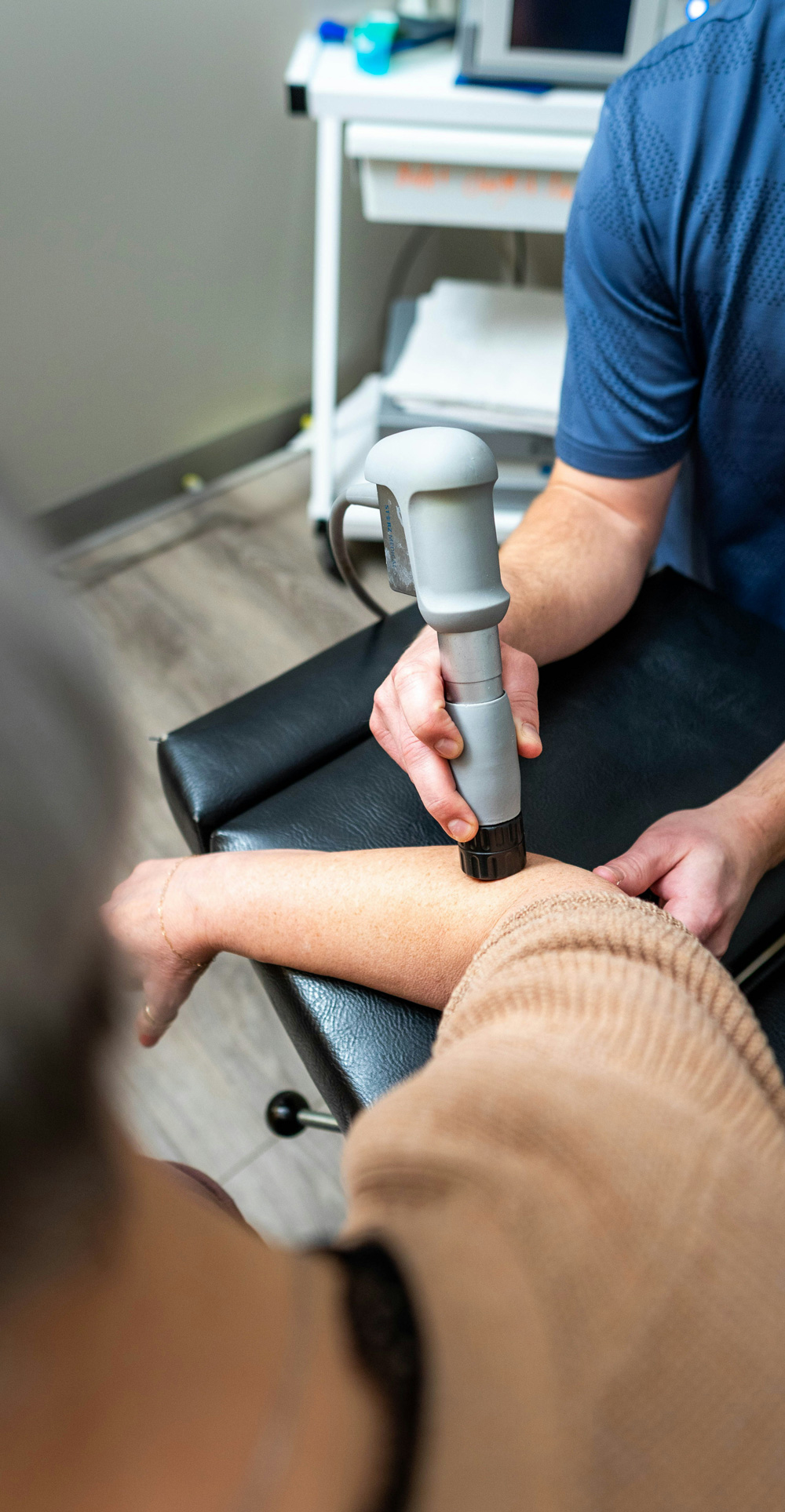
By aligning your environment with your anatomy, you move away from “brute-forcing” your way through the workday and toward a system of stability and precision. Your home office should be a place where you produce great work, not chronic pain. If you need to reverse some issues that were inadvertently caused over the last 6 years, give the Institute for Sports Physiotherapy a call and book an appointment with one of our expert clinicians today.